

Download Elsi – Smart Voice Assistant for Windows, Free & Secure
Overview
Elsi – Smart Voice Assistant is a lightweight, free‑of‑charge application that brings modern, hands‑free interaction to any Windows computer. Designed to work similarly to well‑known assistants such as Cortana, Siri, or Google Assistant, Elsi lets you control the operating system, launch programs, browse the web, and fetch information using only your voice. The tool is especially handy for multitaskers, users with limited mobility, or anyone who simply wants to speed up routine actions without reaching for the mouse or keyboard.
Once installed, Elsi runs quietly in the background, listening for a customizable wake‑word and then processing commands through a built‑in natural‑language engine. Because it relies on a standard microphone—built‑in on most laptops or easily attached via USB—there are no extra hardware costs. The software also respects privacy: voice data is processed locally whenever possible, and any cloud requests are encrypted and limited to the specific task (e.g., a YouTube search).
Overall, Elsi aims to make the Windows desktop feel more intuitive, offering a blend of productivity, entertainment, and accessibility in a single, secure package.
Key Features
- Voice‑controlled web search – ask Elsi to find YouTube videos, articles, or images instantly.
- Entertainment shortcuts – request jokes, get movie recommendations, or ask for the latest weather forecast.
- System commands – open applications, adjust volume, lock the screen, or shutdown the PC without touching a key.
- Navigation assistance – ask for directions to a place and Elsi will open the preferred map service.
- Custom command creation – users can define their own voice phrases for repetitive tasks.
- Multi‑language support – basic English commands with plans for additional languages.
- Background operation – runs silently in the system tray, consuming minimal CPU and RAM.
- Secure data handling – all voice processing is encrypted, and personal data is never sold.
- Regular free updates – new commands and bug fixes are delivered automatically.
- Compatibility with any microphone – works with built‑in laptop mics, USB headsets, or Bluetooth devices.
Installation & Usage Guide (including Compatibility)
Step‑by‑step Installation
Getting Elsi up and running takes just a few minutes. First, download the installer from the official website. The file is a small .exe package (under 15 MB) that works on Windows 10 and Windows 11.
Double‑click the installer, accept the license agreement, and choose the destination folder (the default location works for most users). During setup, you’ll be prompted to allow microphone access; this permission is essential for voice recognition. After installation, a shortcut appears on the desktop and a small icon is added to the system tray, indicating that Elsi is active.
Initial Configuration
When you launch Elsi for the first time, the wizard guides you through a quick calibration. Speak a few sample phrases so the engine can adjust to your voice pitch and ambient noise level. You can also select a wake‑word (e.g., “Hey Elsi” or “Computer”) and test the microphone sensitivity. Once calibrated, Elsi will start listening for the chosen wake‑word while running in the background.
Everyday Usage
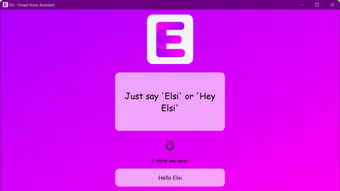
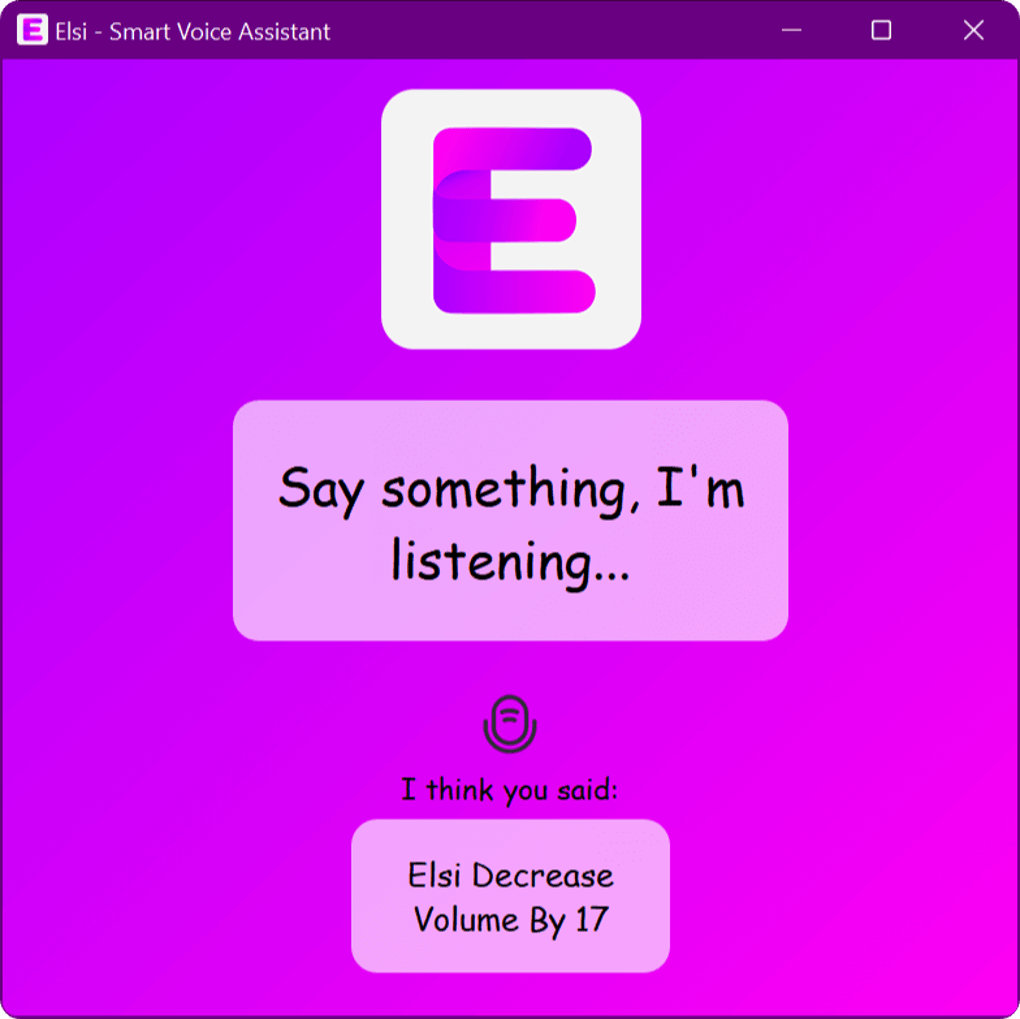
To issue a command, simply say the wake‑word followed by your request. For example, “Hey Elsi, open Chrome” will launch the browser, while “Hey Elsi, play a funny cat video on YouTube” searches and starts playback automatically. Elsi supports a natural language format, so you can say “What’s the weather like today?” or “Tell me a joke.” The assistant provides spoken feedback and, when appropriate, displays a small notification with the result. Advanced users can open the Settings window (right‑click the tray icon) to create custom shortcuts, adjust speech speed, or integrate third‑party services such as Spotify or Google Calendar.
Pros & Cons
Pros
- Free to download and use, with no hidden fees.
- Lightweight footprint – consumes less than 50 MB of RAM.
- Works with any standard microphone; no special hardware required.
- Extensive command library covering web search, system control, and entertainment.
- Customizable wake‑word and command creation for personal workflows.
- Regular updates keep features fresh and security tight.
- Runs silently in the background, preserving desktop real‑estate.
Cons
- Currently limited to Windows; no native macOS, Android, or iOS version.
- Voice recognition accuracy may dip in very noisy environments.
- Advanced natural‑language understanding is still developing – complex queries may fail.
- Limited multilingual support out‑of‑the‑box (primarily English).
- No built‑in visual assistant interface; all interaction is voice‑first.
FAQ & Conclusion
Is Elsi safe to use on a work computer?
Yes. Elsi runs locally and only sends minimal data to external services when a specific command (e.g., a web search) requires it. All network traffic is encrypted, and the app does not collect personal information for advertising purposes.
Do I need an internet connection for all commands?
Basic system commands (opening apps, adjusting volume, locking the PC) work offline. Features that rely on external data—such as YouTube searches, weather forecasts, or directions—require an internet connection.
Can I use Elsi with a Bluetooth headset?
Absolutely. Any microphone recognized by Windows, including Bluetooth headsets, can serve as the audio source for Elsi. Just ensure the device is set as the default input in the Windows Sound settings.
How often does Elsi receive updates?
The development team releases a minor update roughly once a month, adding new commands or fixing bugs. Major feature upgrades are rolled out quarterly. The updater runs automatically, but you can also check for updates manually from the tray menu.
Is there a paid version with extra features?
Currently Elsi is completely free. The developers have announced plans for premium add‑ons (such as advanced AI conversation or enterprise integration) in the future, but the core voice‑assistant functionality will remain free for all users.
In summary, Elsi – Smart Voice Assistant offers a compelling, cost‑free way to make your Windows PC more responsive to spoken commands. Whether you’re looking to speed up daily tasks, enjoy hands‑free entertainment, or improve accessibility, Elsi delivers a reliable and secure experience. Its lightweight design, regular updates, and growing command set make it a solid addition to any Windows workstation. Ready to give your computer a voice? Download Elsi now and start controlling your PC with just a few words.
Pros: Free, lightweight, extensive command list, easy setup.
Cons: Windows‑only, limited language support.







